 Inkdrop
Edit SVGs like you mean it.
Recolor paths, reshape curves, move layers around. All in your browser. No account. No backend. No BS.
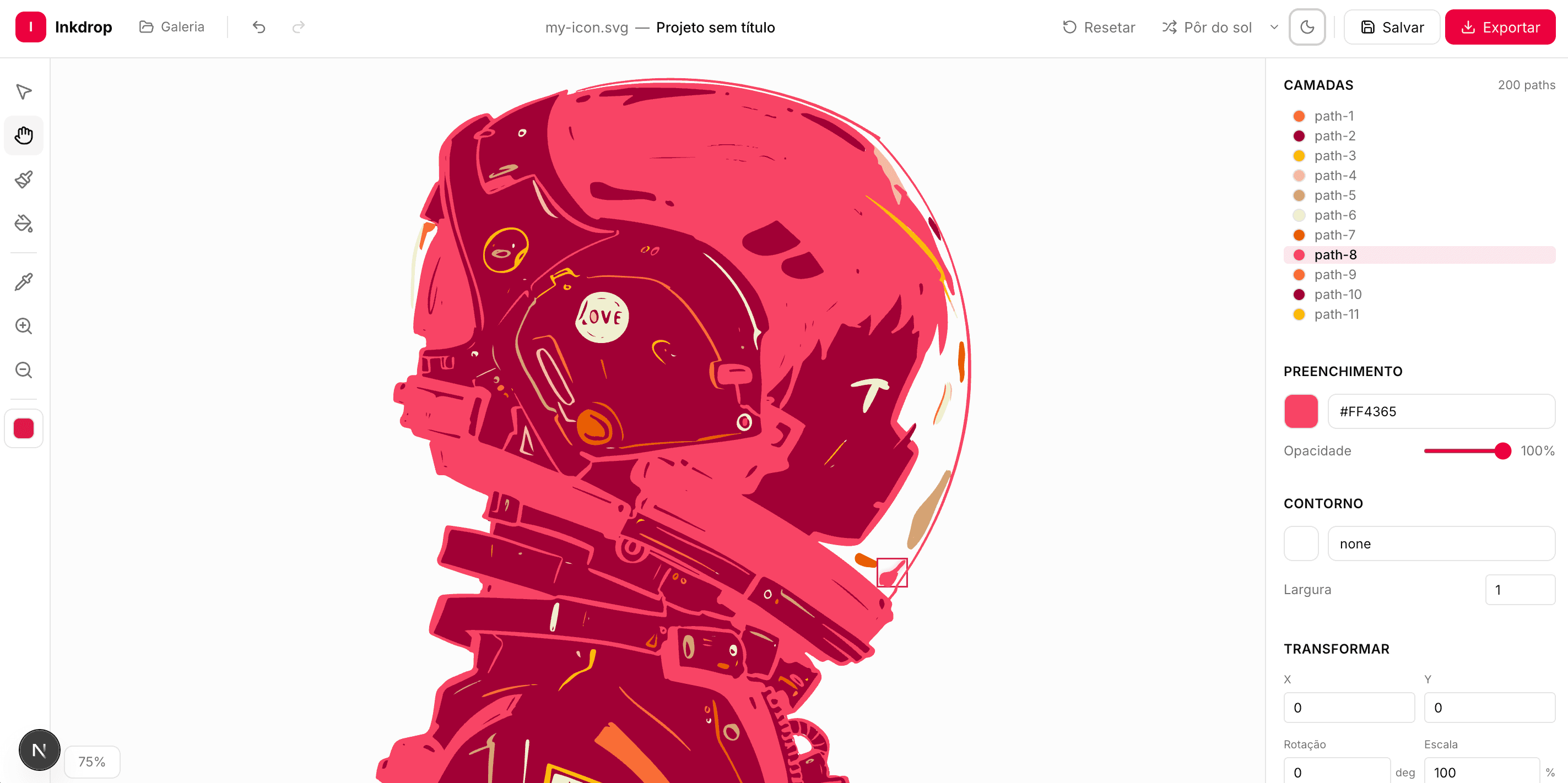
Dead simple. Like, really.
Three steps. No tutorial needed. Your grandma could do this.
Drop any SVG
Drag it in. We handle icons, illustrations, logos — anything .svg up to 5MB.
Make it yours
Pick colors, tweak bezier curves, move shapes around. Pen tool, eyedropper, keyboard shortcuts — it's all there.
Export & ship
Download your SVG or save it to your browser. Come back tomorrow, it's still there.
Built different
Runs locally
Your files never leave your machine. No uploads, no servers, no tracking. Period.
Saves in your browser
Projects persist in local storage. Close the tab, reopen next week — everything's there.
Keyboard-first
Space to pan, P for pen, Cmd+K for shortcuts. Feels like a real design tool.
Instant feedback
No loading spinners. Color changes, path edits, undo/redo — all instant.
Your SVGs deserve better.
Stop opening Figma for a color change. It takes 10 seconds here.
Start editing — it's free